很多時候,我們常常要按一下有動作,再按一下就返回之前狀況。
可以用click之後增加了 .classList.toggle 功能來完成,或是用 if else 的寫法。
耐著性子研究一下吧,沒那麼難。

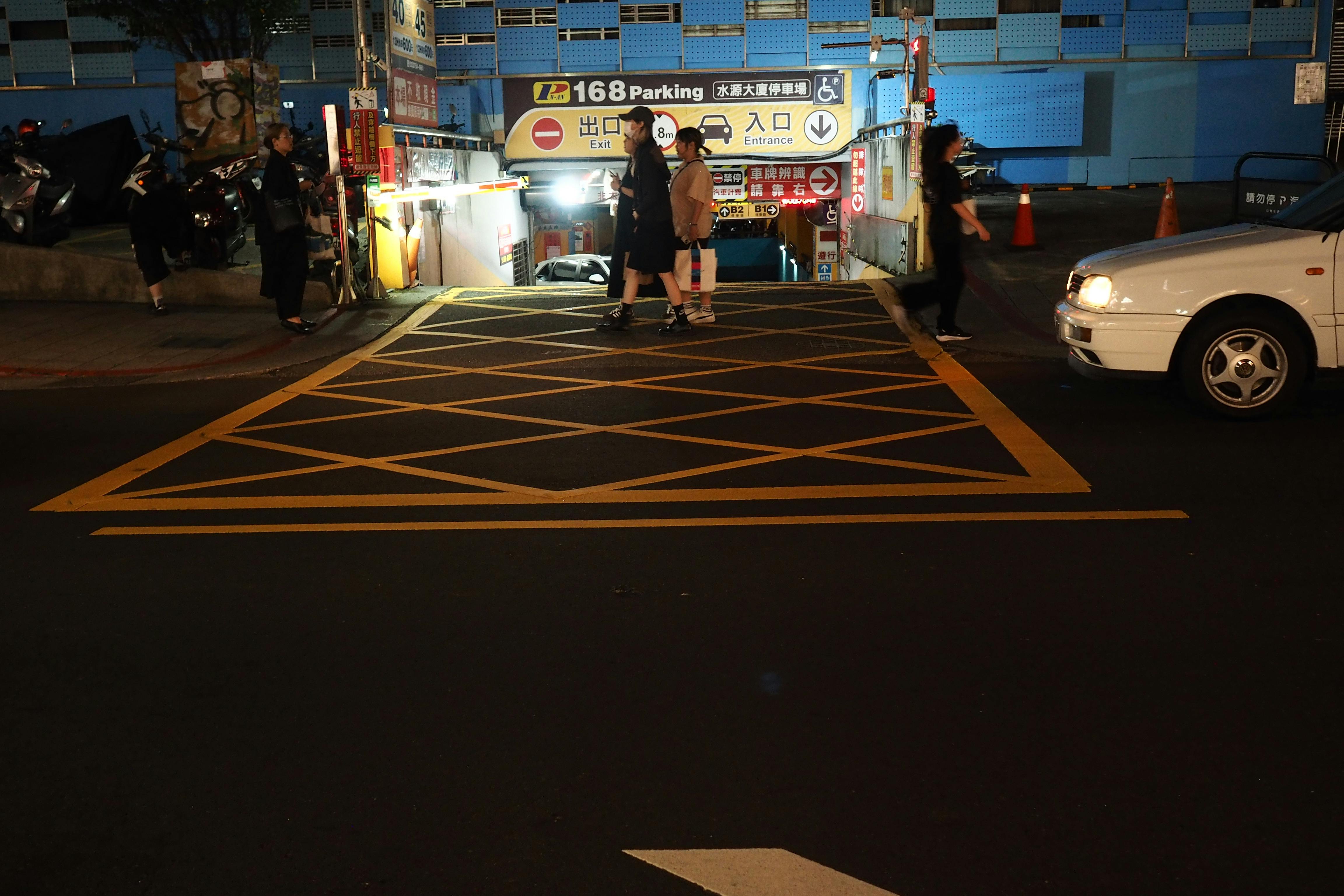
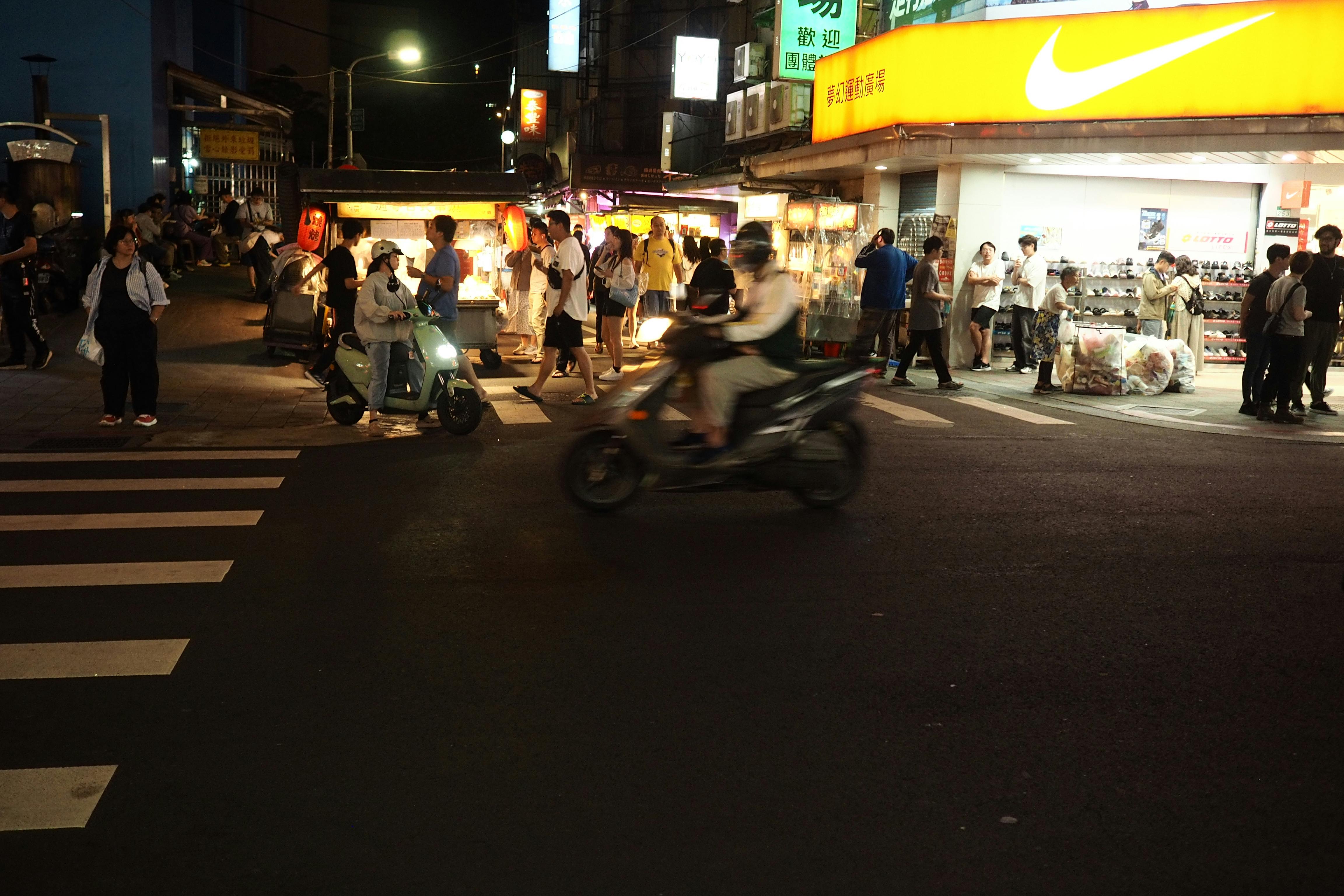
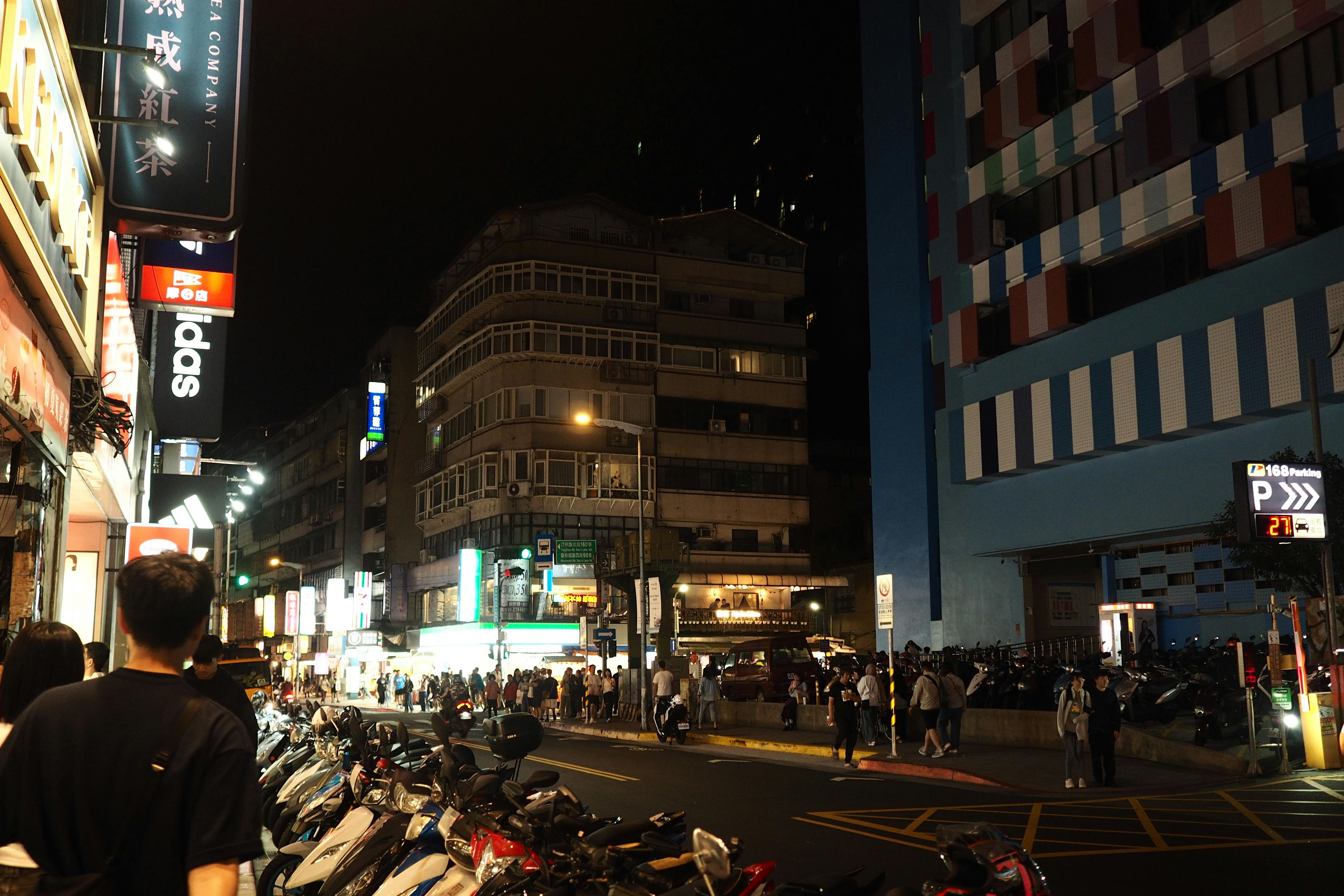
語法:
<style type="text/css">
.flexcon0529 {
display: flex;
flex-wrap: wrap;
justify-content: flex-start;
}
.flexcon0529 >div {
width: 24%;
order: 1;
}
.flexcon0529 >div >img {
width: 100%;
}
.itemorder {
order: 0 !important;
}
.widthch {
width: 100% !important;
}
.widthchimg {
position: relative;
z-index: 999 ;
}
</style>
<div class="flexcon0529">
<div><img src="https://images.pexels.com/photos/37819701/pexels-photo-37819701.jpeg" /></div>
<div><img src="https://images.pexels.com/photos/37819695/pexels-photo-37819695.jpeg" /></div>
<div><img src="https://images.pexels.com/photos/37819692/pexels-photo-37819692.jpeg" /></div>
<div><img src="https://images.pexels.com/photos/37819684/pexels-photo-37819684.jpeg" /></div>
</div>
<script>
const contDiv0529 = document.querySelectorAll(".flexcon0529 >div");
let divwidth0529 = document.querySelector(".flexcon0529").clientWidth;
let sta = 1;
contDiv0529.forEach(myFunction0529);
function myFunction0529(ele) {
ele.addEventListener("click", function() {
this.classList.toggle("itemorder");
this.firstElementChild.classList.toggle("widthchimg");
if (sta === 1) {
this.firstElementChild.style.width =divwidth0529+"px" ; sta = 0;} else {
this.firstElementChild.style.width = "100%"; sta = 1;
}
});
};
</script>
end of the article!!
沒有留言:
張貼留言